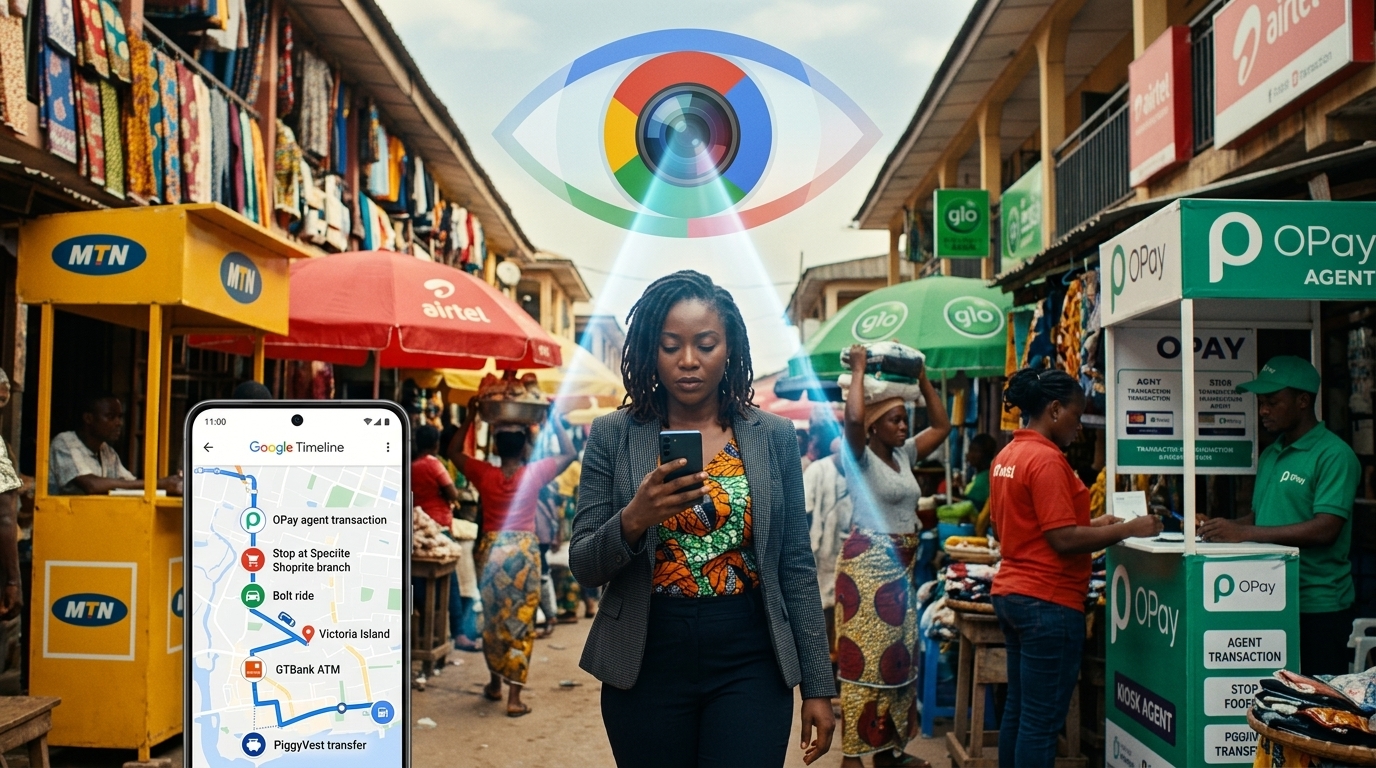
Think about every app you downloaded in the last five years. Every website you signed up to for a free trial. Every e-commerce platform you created an account on to place one order. Every freelance site you registered on but never actively used.
Now ask yourself: how many of those accounts did you ever permanently delete?
lockConcerned About Your Business Data Security?
While managing personal accounts is important, your business data security is critical. Unlike social platforms you don't control, a custom website puts you in charge of your data, security policies, and customer privacy.
At Devv Plug Tech, we build secure, Nigerian-hosted websites and custom solutions that:
- check_circleKeep your business data under YOUR control
- check_circleMeet data protection compliance requirements
- check_circleScale with your business without platform limitations
- check_circleProtect your customer information with enterprise-grade security
For most people, the answer is zero. The account, along with all the personal and business data inside it, is still sitting on that company's server, waiting for either a breach or a fraudster to find it.
This post is part of our complete guide on how to delete your digital footprint online . Here we focus on Steps 3 and 4 from that guide: finding every forgotten account and checking whether your data has already been exposed in a breach.
Why Forgotten Accounts Are a Serious Security Risk
When you forget about an account, you stop monitoring it. You stop updating its password. You stop caring whether the platform gets breached. Here is the chain of events that makes this dangerous.
A platform you registered on in 2019 and forgot about suffers a data breach in 2024. Your email address and password from that registration are leaked publicly. Because you reuse that password on other platforms, attackers now have access to your email, your business tools, or your banking apps. You never find out because you stopped monitoring the old email address.
This pattern is not hypothetical. It is the mechanism behind the majority of account takeover fraud cases affecting Nigerian businesses today. The breach that causes the damage often happened years earlier on a platform the victim had completely forgotten they ever used.
Step 1: Find Every Account Using the Gmail Method
You do not need a special tool to find your forgotten accounts. Your email inbox already holds a complete record of every platform you have ever registered on, if you know where to look.
Every platform sends a confirmation email when you register. That email follows a predictable pattern. By searching your inbox for those patterns, you can build a complete list of every account tied to your email address in under 10 minutes.
Search phrases to use in Gmail
Open your Gmail inbox and search for each of these phrases one at a time:
- verify your email
- confirm your email
- confirm your account
- activate your account
- welcome to
- get started with
- your account has been created
- thanks for signing up
- complete your registration
Each search will return a list of emails from platforms you have registered on. Some will be services you actively use. Many will be platforms you have not thought about in years. For every platform you no longer use, add it to a deletion list.
Run the same search on all your email addresses
If you have a personal Gmail, a work email, and a separate business address, run these searches on all of them. Forgotten accounts are spread across every email you have ever used for signups, and each one is a separate vulnerability.
Step 2: Understand the Difference Between Delete and Deactivate
This distinction is critical and most people get it wrong.
Deactivating an account hides your profile from other users but keeps all your data stored on the company's servers. If the platform is breached after you deactivate, your data is still exposed.
Deleting permanently removes your account and, under most privacy laws, requires the company to erase your associated data within a defined timeframe.
Always choose deletion. Always.
The standard deletion path
For most platforms: Settings then Account then Delete account or Close account or Deactivate permanently.
If you cannot find the deletion option, try these approaches:
Use JustDeleteMe
The website justdeleteme.xyz is a directory of direct links to the account deletion pages for hundreds of platforms. It also rates each platform's deletion process as Easy, Medium, Hard, or Impossible, so you know what you are dealing with before you start.
Submit a formal data deletion request
Under Nigeria's NDPR and the EU's GDPR, you have the legal right to request that any company delete all data they hold about you. Most international platforms have a Data Deletion Request form, usually found in the Privacy Policy page. For any platform that makes deletion difficult, submit a formal written request using this language:
"I am writing to formally request the permanent deletion of my account and all associated personal data under the Nigeria Data Protection Regulation (NDPR) and applicable international privacy law. Please confirm in writing once the deletion has been completed."
Priority Account Categories for Nigerian Business Owners
Not all forgotten accounts carry equal risk. These categories should be at the top of your deletion list.
lightbulbLooking for custom web development or AI solutions in Nigeria? Check out our services or get a free consultation.
Fintech and payment platforms
Old accounts on payment platforms, crypto exchanges, or loan apps hold your bank details, BVN-linked information, or identity documents. A breach of any of these is a direct financial risk. Delete any account you are no longer using, starting with these.
Freelance and marketplace platforms
Platforms like Fiverr, Upwork, and Nigerian equivalents hold your personal information, payment details, and portfolio content. If you are no longer active, delete the account rather than leaving it dormant.
Old e-commerce accounts
If you registered on a shopping platform, placed one order, and never returned, your delivery address, phone number, and card details may still be stored. Delete these accounts.
Cloud storage services
Free tiers of Dropbox, Box, or lesser-known cloud storage services may hold business documents, client files, or sensitive information you uploaded and forgot about. Review and delete.
Old Nigerian-specific forums and early social platforms
Nigerian forums, business directories, and social platforms from the 2010s may still hold your registration data with weaker security than international counterparts. These are worth locating and closing.
Step 3: Check If Your Data Has Already Been Leaked
Before protecting your data going forward, you need to know what has already been compromised. The fastest way to check is a free tool called Have I Been Pwned at haveibeenpwned.com.
Enter your email address. The tool cross-references it against a database of every publicly known data breach and shows you which platforms were breached, when the breach occurred, and what type of data was exposed, including passwords, phone numbers, and home addresses.
The average person who has been online for more than five years shows up in five to fifteen breaches. Many of these breaches happened years ago and the person never knew.
What to do after checking
- For every platform listed as breached, change your password immediately.
- If you use the same password on other platforms, change all of them now.
- Enable two-factor authentication (2FA) on every account that offers it, starting with email, banking apps, and social media accounts.
- If a password from 2018 or earlier was exposed, assume it is compromised regardless of whether you still use it.
Building a Habit: Account Hygiene Going Forward
The goal is not to do this cleanup once and forget about it. It is to build a practice that prevents the problem from accumulating again.
Apply the guest checkout rule
Before registering for any new platform, ask whether you genuinely need a permanent account or whether you can complete the task as a guest. Most e-commerce platforms allow guest checkout. Use it whenever possible.
Use a password manager
Tools like Bitwarden (free and open source) track every account you create and generate strong unique passwords for each one. If you can see your full account inventory at any time, nothing gets forgotten. Password managers also eliminate the reuse problem that turns one breach into many.
Schedule a quarterly account audit
Every three months, open your email, run the Gmail confirmation searches listed above, and add any new forgotten accounts to your deletion list. Schedule it in your business calendar the same way you would a financial review.
Use email aliases for non-essential signups
If you need to register for something you may use only once, use an email alias rather than your real address. SimpleLogin generates disposable addresses that forward to your inbox and can be deleted instantly if compromised. Your real email address is never exposed.
Frequently Asked Questions
What is the difference between deactivating and deleting an online account?
Deactivating hides your profile but keeps your data on the company's servers. Deleting permanently removes your account and your associated data. Under NDPR and GDPR, platforms must delete your data within a reasonable period after a deletion request, typically 30 days. Always choose deletion.
What is Have I Been Pwned and is it safe to use?
Have I Been Pwned (haveibeenpwned.com) is a free, legitimate security tool created by respected cybersecurity researcher Troy Hunt. It requires only your email address, not your password or any other sensitive information. It is completely safe and widely recommended by security professionals.
How do I delete an account if I have forgotten the password?
Use the Forgot Password option to reset your password via email, then log in and proceed with account deletion. If the email address no longer exists, contact the platform's support team with proof of identity and submit a formal data deletion request.
Which Nigerian fintech apps carry the highest risk if left inactive?
Any fintech or payment app that collected your BVN, National ID, or bank account details carries significant risk if left inactive. This includes loan apps, crypto exchange accounts, payment wallets, and buy-now-pay-later platforms. Delete any you no longer use.
How long does it take a platform to delete my data?
Under NDPR and international privacy law, platforms must delete your data within a reasonable timeframe, typically 30 days. Request written confirmation in your initial deletion request and follow up if you do not receive it within 30 days.
Is your business website secure, professionally built, and trusted by Google? If not, contact Devv Plug Tech for a free consultation. We build websites for Nigerian businesses that are fast, secure, and designed to convert visitors into clients.