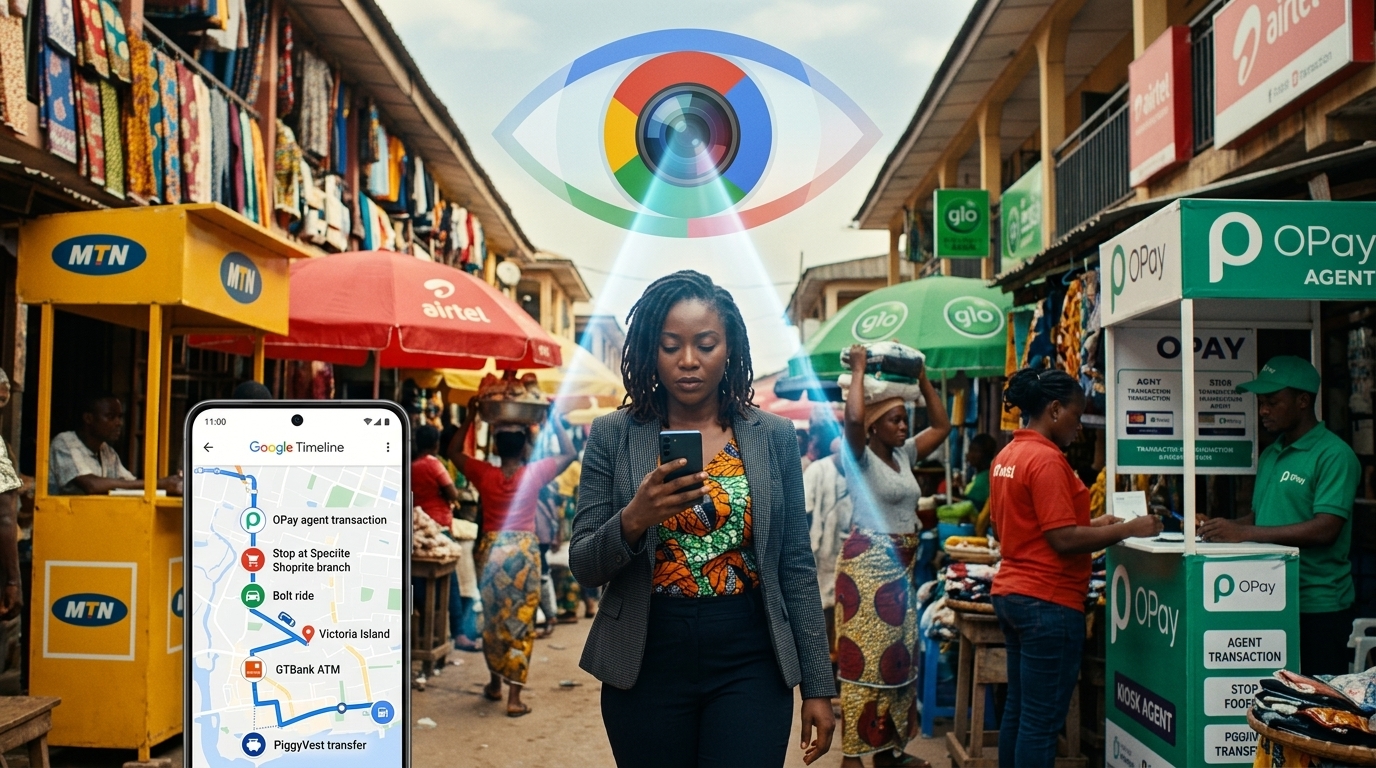
Right now, without doing anything wrong, your name, phone number, home address, and business details are sitting on dozens of websites you have never visited. Data broker platforms harvest public records, social media activity, and online behaviour and sell that information to advertisers, competitors, and fraudsters.
For Nigerian business owners who use AI tools, social media, and online banking, your digital footprint is far larger than you probably realise. This guide walks you through seven actionable steps to delete up to 99% of your digital footprint. No technical skill is required, and most steps take under 10 minutes each.
lockConcerned About Your Business Data Security?
While managing personal accounts is important, your business data security is critical. Unlike social platforms you don't control, a custom website puts you in charge of your data, security policies, and customer privacy.
At Devv Plug Tech, we build secure, Nigerian-hosted websites and custom solutions that:
- check_circleKeep your business data under YOUR control
- check_circleMeet data protection compliance requirements
- check_circleScale with your business without platform limitations
- check_circleProtect your customer information with enterprise-grade security
What Is a Digital Footprint?
A digital footprint is the trail of data you leave behind every time you use the internet. It falls into two categories.
Active footprint is information you deliberately share: social media posts, form submissions, account registrations, and comments you leave online.
Passive footprint is information collected without your direct action: websites your browser visits, your GPS location data, your search history, cookies, and data harvested by apps running in the background on your phone.
For a business owner in Nigeria, your digital footprint likely includes your full name, phone number, business address, email address, photos, social media activity, and in many cases your financial behaviour patterns tied to apps and platforms you have used over the years.
Why Your Digital Footprint Is a Business Risk
Most business owners think online privacy is a personal concern. It is not. Consider these real scenarios:
- A fraudster finds your phone number and business address on a data broker site and impersonates your agency to your clients.
- A competitor researches your client relationships by mining your public social media connections.
- An employee leaks your business strategy through an AI tool that logs conversations on a third-party server.
- Your email appears in a data breach and because you reuse passwords, it unlocks three other accounts.
None of these scenarios require sophisticated hacking. They require only a basic internet search, because your data is already out there.
Step 1: Remove Yourself From Data Broker Websites
Data broker sites collect your name, address, and phone number and sell access to anyone. The three most important platforms to address are Spokeo, Whitepages, and BeenVerified. Each has a legally required opt-out process that takes roughly 10 minutes per site.
For full step-by-step instructions on each platform, including how to handle Nigerian-specific directories and how to prevent your data from being re-listed, read our dedicated guide: What Are Data Brokers and How to Remove Your Business Information From Them .
Step 2: Request Removal From Google Search Results
Google has an official removal request form that allows you to ask them to delist pages displaying your phone number, home address, or personal email. Most people do not know this tool exists. You can access it at myaccount.google.com/remove-personal-info. Google is legally required to review every request, and approvals typically arrive within a few days.
What qualifies for removal
- Pages showing your personal home address
- Pages displaying your personal phone number without consent
- Pages that include your personal email address without your permission
- Non-consensual personal data exposure or doxxing content
What does not qualify
- Negative reviews or press coverage
- Business information you voluntarily published yourself
Step 3: Find and Delete Every Forgotten Online Account
Over the years, most people sign up to dozens of platforms they stop using and forget entirely. Every dormant account holds your personal data and is a security vulnerability if the platform is ever breached.
The fastest method: open your Gmail inbox and search for the phrase "verify your email". Every result is a registration confirmation from a platform you signed up to. Go through each one and permanently delete every account you no longer use.
For the full step-by-step process, including how to handle platforms that make deletion deliberately difficult, read: How to Find and Delete Every Online Account You Have Forgotten About .
lightbulbLooking for custom web development or AI solutions in Nigeria? Check out our services or get a free consultation.
Step 4: Check If Your Business Data Has Already Been Leaked
Before protecting your data going forward, you need to know what has already been compromised. Visit haveibeenpwned.com and enter your email address. The tool cross-references your email against every publicly known data breach and tells you which platforms were breached, when, and what type of data was exposed.
The average person who has been online for more than five years appears in five to fifteen breaches. For every platform listed where a breach occurred, change your password immediately. If you use the same password across multiple accounts, change all of them now.
Step 5: Turn Off Google Tracking
Google tracks your activity across every service it operates, including Search, YouTube, Maps, Gmail, Chrome, and Android. By default, this tracking is always on and everything is stored indefinitely. Turning it off does not prevent you from using Google's services. It stops Google from building a permanent profile of everything you do online.
For the full process, including how to stop old social media posts from being used against you and how to prevent future data exposure with browser switches and email aliases, read: How to Stop Google From Tracking Your Business Activity Online .
Step 6: Delete Old Social Media Posts
Old social media posts can reveal your pricing, client names, location, and opinions that you would not share publicly today. Manually deleting posts is slow. Use TweetDelete for X (formerly Twitter), Redact for Reddit, and Facebook's Activity Log to bulk-delete by year. You do not need to delete your accounts. You simply need to clean up what no longer serves your business reputation.
Step 7: Build Habits That Prevent Future Exposure
Cleaning your current footprint is only half the job. Use a service like SimpleLogin to generate a unique throwaway email alias for every platform you register on. Switch from Chrome to Brave Browser, which blocks all trackers automatically. Use a password manager like Bitwarden to generate and store unique strong passwords for every account. And be deliberate about what you share with AI tools — anything typed into ChatGPT, Claude, or Gemini is stored on their servers.
The Business Case for Digital Privacy
For a small business owner in Nigeria, digital privacy is not a luxury. It is operational security. Your client list, your pricing, your suppliers, and your strategy are the assets that give you a competitive advantage. Leaving them scattered across data broker sites, forgotten app accounts, and unsecured inboxes is the equivalent of leaving your office unlocked overnight.
None of the seven steps in this guide cost money. They cost roughly two to three hours of your time, and the protection they provide is lasting. A clean digital footprint is also a more credible one. When potential clients research your business and find a consistent, professional online presence, it builds trust before a single conversation takes place.
If your business does not yet have a professional, secure website that establishes your credibility and serves as the authoritative source of your contact information, contact Devv Plug Tech today for a free project consultation.
Frequently Asked Questions
What is a digital footprint?
A digital footprint is the trail of personal and business data you leave behind every time you use the internet. It includes social media posts, account registrations, browsing history, location data, and information published about you on third-party websites without your knowledge.
Can I completely delete my digital footprint?
You can delete the vast majority of it. A complete wipe is not possible, but following the seven steps in this guide removes roughly 99% of what strangers can easily find about you. Regular maintenance every three to six months keeps the remainder under control.
How long does it take to delete your digital footprint?
The initial cleanup takes roughly two to three hours spread across one afternoon. Some removals, such as data broker opt-outs, process within 24 to 48 hours. A full cleanup across all platforms and old accounts typically takes one to two weeks from start to finish.
Is it safe for Nigerian businesses to use AI tools?
AI tools are safe to use if you are careful about what information you share. Never input client phone numbers, business financial data, pricing strategies, or confidential employee information into an AI chat interface. Anything you type is stored on the company's servers and may be reviewed by staff members.
Does deleting my digital footprint affect my Google Search visibility?
No. Removing yourself from data broker sites and deleting old accounts has no negative effect on your Google Search ranking or Google Business Profile visibility. Your business visibility comes from your website, your GBP listing, and your social media presence, none of which are affected by this process.