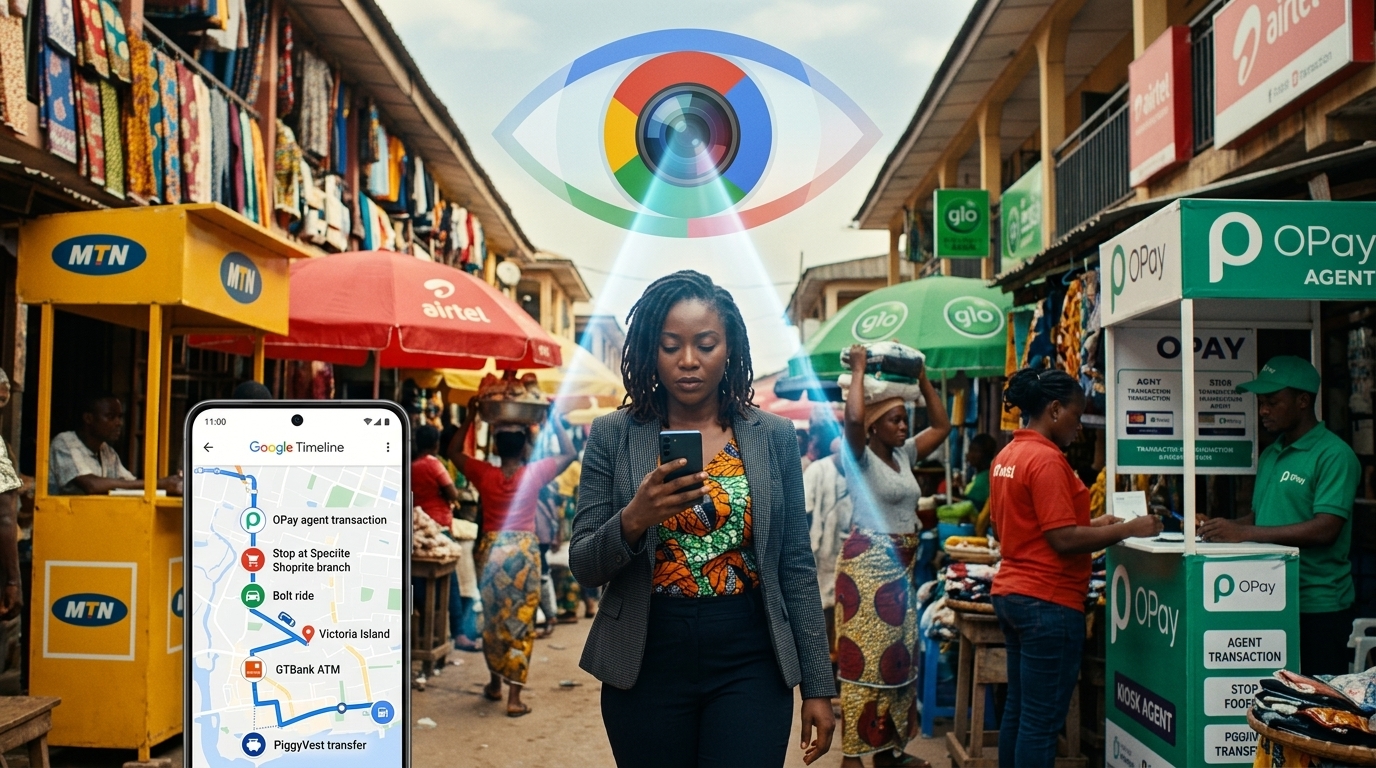
Every search you run on Google, every YouTube video you watch, every location you visit while Google Maps is open, and every website you visit using Chrome is being logged, stored indefinitely, and used to build a detailed profile of you and your business habits.
This is not a conspiracy. It is the default setting on every Google account. And for Nigerian business owners who use Gmail, Google Workspace, YouTube, and Android phones as their primary tools, it means an enormous amount of sensitive business activity is sitting in Google's servers right now.
business_centerTransform Your Business with Technology
Whether you need a website, custom software, AI automation, or digital marketing— we help Nigerian businesses leverage technology to grow.
Explore Our Services Start Your ProjectThis post is part of our complete guide on how to delete your digital footprint online . Here we cover Steps 5, 6, and 7 from that guide: turning off Google tracking, cleaning up old social media posts, and building habits that prevent future data exposure.
What Google Is Actually Tracking
Most people underestimate the scope of Google's data collection. When you are signed into a Google account, the following is being recorded by default.
- Web and App Activity: every Google Search you run, every website you visit using Chrome, and activity inside Google apps including Maps, Gmail, and Drive.
- Location History: a detailed timeline of everywhere you have physically been with your Android phone, mapped to timestamps and stored indefinitely.
- YouTube History: every video you watch and every search you run on YouTube, used to build a profile of your interests, opinions, and consumption patterns.
- Voice and Audio Activity: audio clips from voice searches, Google Assistant interactions, and in some cases ambient recordings from Android devices.
- Device Information: data about every device linked to your Google account, including hardware identifiers, installed apps, and usage patterns.
This data is used primarily to target advertising. But it is also subject to government data requests. Google publishes transparency reports showing the number of times authorities request user data, and the number is never zero in any country.
Step 1: Delete Your Existing Google Activity History
Before turning off future tracking, clear the history that has already been collected.
How to delete all Google activity
- Go to myactivity.google.com while signed into your Google account.
- Click "Delete activity by" in the left panel.
- Select "All time" from the date range dropdown.
- Select "All products" from the product dropdown.
- Click "Delete" and confirm.
This removes the stored history of your searches, YouTube views, Maps navigation, and other tracked activity. It does not affect your Gmail, Google Drive files, or any other stored content.
Step 2: Turn Off Future Google Tracking
Deleting your history removes the past. Turning off tracking prevents future collection.
How to turn off activity controls
- Go to myaccount.google.com/activitycontrols.
- Under "Web and App Activity," click the toggle to turn it off. Confirm when prompted.
- Under "Location History," click the toggle to turn it off.
- Under "YouTube History," click the toggle to turn it off.
You can still use all Google services after completing these steps. Search, YouTube, Maps, and Gmail continue to work normally. The only difference is that Google stops building a permanent record of your activity.
Why this matters specifically for Nigerian business owners using Google Workspace
If you use Gmail or Google Workspace for client communications, business strategy discussions, or supplier negotiations, your activity history in Google's servers represents a detailed record of your most sensitive business operations. Turning off tracking limits how much of that record is retained and how it can be accessed.
Step 3: Delete Old Social Media Posts
Old social media posts are a resource for anyone researching your business, including competitors, clients doing due diligence, and fraudsters looking for information to exploit. Posts from years ago may reveal your pricing, your client names, your suppliers, your location at specific times, and opinions you no longer hold.
Manual deletion is slow and impractical for accounts with hundreds or thousands of posts. Use these tools to bulk-delete instead.
Deleting old posts on X (formerly Twitter)
TweetDelete at tweetdelete.net allows you to automatically delete all posts older than a set number of days. You can choose to delete everything older than 30 days, 90 days, or any custom period. The service also runs on a recurring schedule so old posts are deleted automatically as they age past your threshold.
Deleting old posts on Reddit
Redact at redact.dev deletes Reddit comments and posts, but it goes one step further than standard deletion. It overwrites your comment content with replacement text before deleting, which prevents data recovery tools from reconstructing the original content from cached versions.
Deleting old posts on Facebook
Go to your Facebook profile, click the three dots next to your name, and open Activity Log. Filter activity by year using the left panel, then select and delete posts in bulk. Work backwards through each year. Facebook does not provide a single-click delete-all option, but working year by year through Activity Log is the most efficient manual approach available.
You do not need to delete your accounts or stop posting. The goal is to remove content that no longer represents your business and that could be used against you.
Step 4: Switch From Chrome to a Privacy-First Browser
Google Chrome is the most widely used browser in Nigeria and globally. It is also one of the most aggressive data-collecting browsers available. By default, Chrome sends your browsing data, including websites visited, time spent on each page, and form inputs, back to Google.
Brave Browser
Brave Browser is built on the same engine as Chrome, which means it is fully compatible with every website that works on Chrome. It blocks all trackers and advertisements by default without requiring any extensions or configuration. Pages typically load faster as a result. Download it at brave.com.
lightbulbLooking for custom web development or AI solutions in Nigeria? Check out our services or get a free consultation.
Firefox with uBlock Origin
Mozilla Firefox is a fully open-source browser with strong default privacy settings. Installing the free uBlock Origin extension adds comprehensive tracker blocking on top of Firefox's built-in protections. This combination is widely recommended by security professionals and is fully compatible with Nigerian banking sites and business tools.
Step 5: Use Email Aliases to Protect Your Business Inbox
Every time you sign up for a platform using your real email address, you are creating a permanent link between that platform's security posture and your inbox. If the platform is breached, your email is exposed. If the platform sells data, your email goes with it.
A service called SimpleLogin at simplelogin.io solves this problem. It generates a unique, disposable email alias for every platform you register on. The alias forwards all emails to your real inbox, so you receive everything normally. But if that platform is breached, hacked, or starts sending spam, you simply delete the alias. Your real email address is never exposed.
The free tier of SimpleLogin provides 10 aliases, which covers most business needs. The paid tier at a few dollars per month provides unlimited aliases.
Step 6: Protect Your AI Tool Usage
For Nigerian businesses that use AI tools like ChatGPT, Claude, or Gemini for marketing, writing, or business planning, understanding what happens to your inputs is essential.
Every prompt you type into an AI chat interface is stored on that company's servers. It may be reviewed by human employees for quality assurance purposes. It can be requested by governments via legal subpoenas. And if you have not opted out of model training, your inputs may be used to train future versions of the AI.
Practical rules for using AI tools safely in your business
- Never input real client names, phone numbers, or contact details into an AI chat. Use placeholder names like "Client A" instead.
- Never input your actual pricing, profit margins, or financial projections. Use rounded or fictionalised numbers and insert the real figures yourself afterwards.
- Never input confidential supplier information, employee details, or business strategy documents.
- Go to your AI platform's settings and opt out of model training. This stops your inputs from being used to train future AI models, though it does not stop storage or human review.
The AI does the writing. You supply the sensitive business context, offline, after the AI has finished its job.
Putting It All Together: A Weekly Privacy Habit
Protecting your digital footprint is not a one-time task. It is an ongoing practice. These five habits, done consistently, keep your business data protected without requiring significant time investment.
- Use Brave or Firefox as your default browser for all business activity.
- Use SimpleLogin aliases whenever you register on a new platform.
- Use a password manager like Bitwarden to generate and store unique passwords for every account.
- Check myactivity.google.com once a month and clear any stored activity.
- Think before typing into AI tools. Strip out identifying details before sending any prompt involving real business data.
Frequently Asked Questions
Does turning off Google tracking stop Google from working?
No. Turning off activity tracking does not affect your ability to use Search, YouTube, Maps, Gmail, or any other Google service. All services continue to function normally. It only stops Google from storing a permanent record of your activity and building an advertising profile from it.
Is Brave Browser safe to use for business?
Yes. Brave is a legitimate, widely used browser built on the same engine as Chrome. It is fully compatible with all websites and business tools that work in Chrome and blocks trackers and ads by default, which also makes pages load faster.
Can deleted social media posts be recovered?
On most platforms, deleted posts are removed from public view immediately and permanently deleted from servers within 30 to 90 days. Posts that have been screenshotted, shared, or cached by search engines may still be accessible elsewhere. Tools like Redact overwrite content before deletion, which reduces the risk of recovery from cached copies.
What is SimpleLogin and how does it protect my business email?
SimpleLogin is a free email alias service that generates a unique, disposable email address for every platform you register on. If that alias is breached or starts receiving spam, you delete the alias. Your real email address is never exposed. It is available at simplelogin.io.
Does a VPN protect my business from these risks?
A VPN hides your IP address from websites you visit but does not remove data already published about you, stop Google from tracking signed-in account activity, or protect you from data broker exposure. A VPN is a useful additional layer of privacy but is not a replacement for the steps in this guide.
A professional, secure website is the foundation of a credible digital presence for your business in Nigeria. Contact Devv Plug Tech for a free consultation and find out how we can build a website that establishes trust, ranks on Google, and brings in real clients.