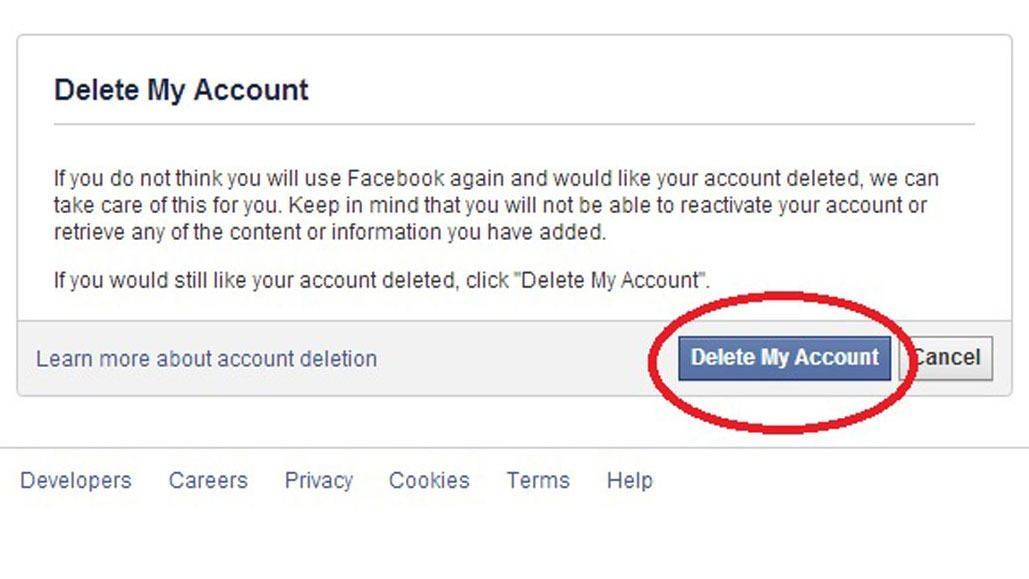
Telegram markets itself as the privacy-first messenger. But when you delete your Telegram account, the question of what actually happens to your data has a more nuanced answer than you might expect.
This article breaks down exactly what Telegram erases, what it retains, what your contacts still see, and what it means for your business if you use Telegram for customer communication or community building.
For the complete picture across other platforms - WhatsApp, Facebook, AI chat tools - read our full guide on deleted accounts and your data. This is the Telegram-specific deep dive.
Telegram's Auto-Delete Feature (Most People Don't Know About It)
Before we talk about manual deletion, here's something many people miss: Telegram has a built-in self-destruct timer for inactive accounts.
By default, if you don't open Telegram for 6 months, your account is automatically deleted. You can change this setting to 1 month, 3 months, 6 months (default), or 1 year.
| Setting | What happens |
|---|---|
| 1 month of inactivity | Account is auto-deleted if you haven't opened Telegram in 30 days |
| 3 months | Auto-deleted after 90 days of inactivity |
| 6 months (default) | Auto-deleted after 180 days of inactivity |
| 1 year | Auto-deleted after 365 days of inactivity |
When auto-deletion triggers:
- Your account, contacts, chats, and profile are permanently removed from Telegram's servers
- You're removed from all groups and channels
- Cloud-stored messages tied to your account are erased
This is a genuinely useful privacy feature - but it can also catch businesses off guard. If you set up a Telegram channel for customer announcements and then stop logging in for six months, your entire channel infrastructure disappears.
What Happens When You Manually Delete Your Telegram Account
Telegram's manual deletion process is irreversible and immediate - there's no 30-day grace period like Facebook offers. Once you confirm deletion at my.telegram.org, the following happens:
-
Your account is permanently removed from Telegram's servers. Unlike WhatsApp, which retains account metadata for up to 90 days, Telegram's deletion is designed to be immediate and final.
-
Your cloud chat history is erased. Telegram's default chats are cloud-based (not end-to-end encrypted), meaning your message history is stored on Telegram's servers. When your account is deleted, those server-side conversations are permanently removed.
-
Secret Chat history is erased on both devices. Secret Chats (end-to-end encrypted, device-to-device) are already not stored on Telegram's servers. Deletion removes them from your device, and the other participant's Secret Chat is also terminated.
-
You're removed from all groups and channels. Any groups you administered will either be transferred to another admin (if one exists) or left without an admin. Channels you created will lose their creator.
-
Your profile, username, and phone number are unlinked from Telegram. Your
@usernamebecomes available for anyone else to claim.
What Telegram Keeps After Deletion
Telegram's privacy stance means they retain less than most platforms, but they're not at zero:
| Data type | Retained after deletion? | Notes |
|---|---|---|
| Cloud chat messages you sent | No - erased from Telegram's servers | But messages remain visible in recipients' own chat views |
| Secret Chat messages | No - erased from both devices | Fully removed |
| Group messages you posted | No - removed from your account view | But group members and the group itself retain the message history |
| Your account metadata (phone number, registration date) | No - permanently removed | Telegram does not retain account metadata after deletion (unlike WhatsApp's 90-day retention) |
| Bot data | Depends on the bot | Third-party bots you interacted with may have stored your messages in their own databases - Telegram can't control that |
| Report/abuse records | Retained per legal requirements | If your account was reported or subject to a legal investigation, those records may persist |
| Login codes and IP logs | Retained briefly for security | Telegram retains IP and device logs for a limited period for fraud prevention, but these are eventually purged |
The key difference from WhatsApp and Facebook: Telegram does not retain your account metadata for an extended period after deletion. Once you're gone, you're gone from their servers - with the caveat that messages you sent in groups and channels persist in those shared spaces.
What Your Contacts Still See After Deletion
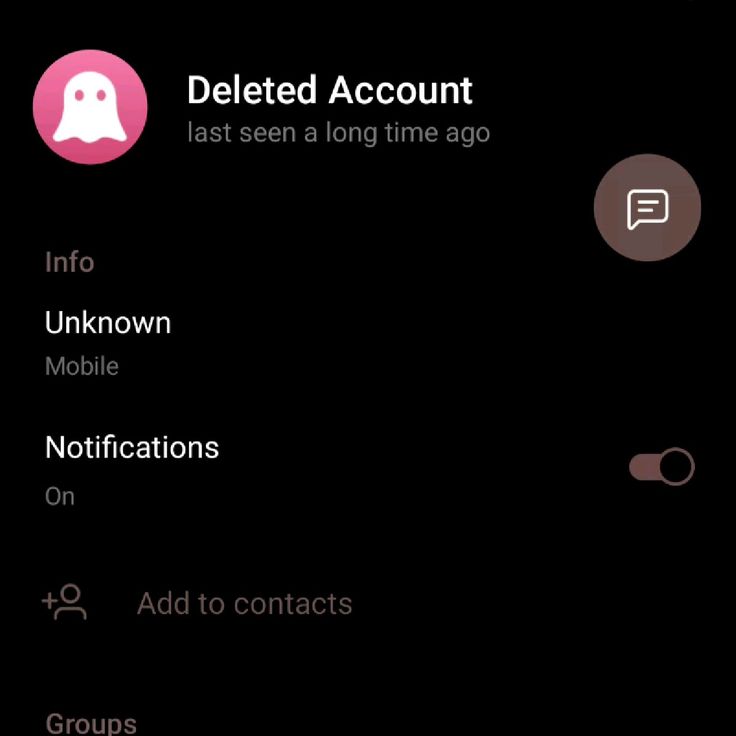
- Your one-on-one cloud chats disappear from your side, but the other person still sees the full conversation history in their own chat list. Your name will appear as "Deleted Account" - they can still read everything you ever wrote, but can't reply.
- Group messages you posted remain in the group's shared history. Other members can scroll back and read everything you contributed. Your name shows as "Deleted Account."
- Channel posts you authored remain published. If you ran a channel and deleted your account, the channel continues (if other admins exist) and your past posts remain visible to subscribers under the "Deleted Account" label.
- Your username becomes available. Anyone can claim your
@usernameafter deletion. This matters if your username was tied to your brand - a competitor or impersonator could grab it.
Telegram Deletion vs. Uninstalling the App
| Action | What happens | What stays |
|---|---|---|
| Uninstall the app | You can't send or receive messages, but your account remains fully active on Telegram's servers | Everything - account, cloud chats, groups, channels, profile. Reinstalling and verifying the same number restores everything |
| Log out but keep the app installed | Same as above - your account is still active and visible to contacts | Everything remains intact |
| Delete the account (via my.telegram.org) | Account permanently removed; cloud chats erased from servers; you're removed from groups/channels | Messages remain in recipients' chat views and in group/channel shared history; your username becomes claimable |
What This Means for Your Business
If you use Telegram for business - whether through a customer support channel, a broadcast channel for announcements, or a community group - deleting your account has specific consequences:
-
Your broadcast channel loses its creator. If you're the sole admin of a channel with subscribers, those subscribers can still read past posts, but no new posts can be published until a new admin is assigned. Assign an admin before deletion if the channel should continue operating.
-
Group communities you manage will be orphaned. If you run a customer community group and delete your account, the group remains (with all its history) but loses its admin. Promote a trusted member to admin first.
-
Your brand username becomes claimable. If your Telegram username is
@YourBrandName, deleting your account releases it. Anyone - including competitors or impersonators - can register it. If you're rebranding rather than shutting down, claim the new username before deleting the old account. -
Bot integrations break. If you set up Telegram bots for customer service, order notifications, or automated responses, deleting your account severs your admin connection to those bots. The bots themselves continue running on their third-party servers, but you lose the ability to manage or modify them.
Practical Steps If You're Deleting a Business Telegram Account
-
Export your chat history. Telegram's desktop app allows you to export your chat data (Settings > Advanced > Export Telegram data). Do this before deletion - you'll get a permanent offline archive of messages, media, and contacts.
-
Transfer channel and group ownership. Promote trusted team members to admin in any channels or groups you manage before deleting your account.
-
Claim your new username first (if rebranding). Register the new
@usernameon your new account before deleting the old one, so nobody else can grab it in the gap. -
Notify your channel or group members. Send a final message explaining where you're moving (a new channel, a website, an alternative platform) before you delete.
-
Disconnect any bots or integrations. If you have bots connected to a CRM, website, or automation pipeline, formally disconnect them before deletion to prevent broken API calls.
The Bigger Picture
Telegram's approach to deletion is cleaner than most - immediate, no extended metadata retention, and a built-in auto-delete for inactivity. But it's still not a "clean break" if you've been active in groups, channels, or conversations with others. For the full picture of what happens when you delete accounts across WhatsApp, Facebook, AI chat tools, and more, read our complete guide: Are Deleted Accounts Really Gone?.
Frequently Asked Questions
Does Telegram delete my account automatically if I stop using it? Yes. Telegram has a built-in self-destruct timer for inactive accounts. By default, if you do not open Telegram for 6 months, your account is automatically and permanently deleted. You can change this setting to 1 month, 3 months, 6 months, or 1 year.
What happens to my messages when I delete my Telegram account? Your cloud chat history is permanently erased from Telegram's servers and Secret Chat history is erased on both devices. However, messages you posted in groups and channels remain visible to other members. Your one-on-one cloud chats also remain visible in the other person's chat view as "Deleted Account."
Is Telegram account deletion reversible? No. Unlike Facebook, which offers a 30-day grace period, Telegram's manual deletion is immediate and irreversible. Once you confirm deletion at my.telegram.org, there is no way to cancel or recover the account.
Does Telegram keep my data after account deletion? Telegram retains less than WhatsApp or Facebook. Your account metadata is permanently removed and IP logs are retained briefly then purged. Messages you sent in shared spaces like groups and channels persist, and third-party bots may have stored your messages in their own databases.
What happens to my Telegram groups and channels when I delete my account? You are removed from all groups and channels. Groups you administered will be transferred to another admin if one exists, or left without an admin. Messages you previously posted remain visible to other members under the Deleted Account label.
Can someone else claim my Telegram username after I delete my account? Yes. Your username becomes available for anyone to claim immediately after account deletion. If your username is tied to your brand, a competitor or impersonator could register it. If rebranding, register your new username before deleting the old account.
What is the difference between uninstalling Telegram and deleting my account? Uninstalling does not delete your account. Your account remains active on Telegram's servers, your profile stays visible, and contacts can still message you. Reinstalling and verifying the same number restores everything. Deleting at my.telegram.org permanently removes everything with no recovery path.
Want to understand your business's full digital footprint across every platform? Devv Plug Tech runs digital-presence and privacy audits for Nigerian businesses - book a consultation.